A Nostalgic Love Story: My Journey with Samsung’s Omnia II
Let me take you back to October 21, 2009, the day Samsung Omnia II launched in India. I still remember visiting my friend’s Samsung showroom that same day to check out this new beauty. It was love at first sight. By the next day, I’d sold my old Nokia E71 (goodbye, trusty companion) and walked out with a brand-new Samsung Omnia II.
It wasn’t my first touchscreen phone (hello, Sony Ericsson P900 from 2004, and later the bulky but lovable Nokia 7710). But this was different. The Omnia II was sleek, powerful, and had that big, gorgeous AMOLED screen. Plus, let’s face it—Nokia wasn’t doing so great in 2009, and Samsung was taking over with its exciting new designs and features.
Unpacking the Samsung Omnia II
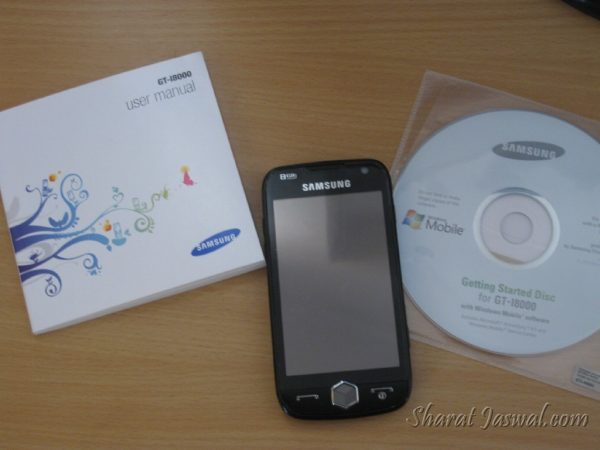
Here’s what came in the box (besides all my excitement):
- The phone (duh)
- Battery (a hefty 1500 mAh one)
- Travel charger
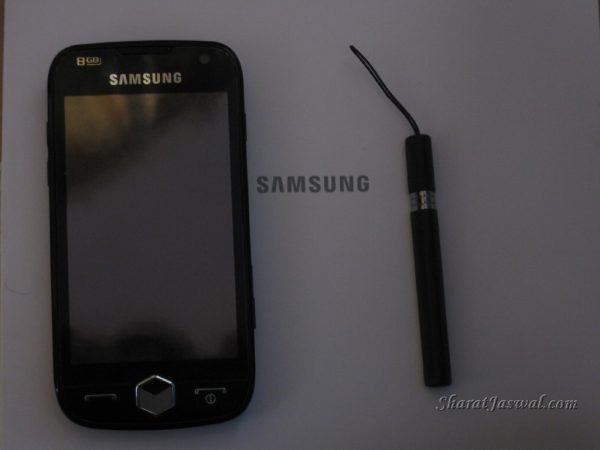
- Stylus pen (yes, those were still a thing!)
- PC data cable
- Stereo headset
- Leather case (fancy, huh?)
- TV-out cable
- User manual
- And a CD-ROM (because that’s how software updates rolled back then).
First Impressions
The Rose Black color of the Samsung Omnia II phone was stunning. Indoors, it looked like a classy black, but in sunlight, the faint rose hue shone through. I was hooked. The 3.7-inch WVGA AMOLED display was sharper and brighter than anything I’d seen before. And compared to the 16K colors of the iPhone, this phone’s 65K colors were a feast for the eyes.
The phone felt like a beast with its Windows Mobile 6.1 OS, 800 MHz processor, and 16GB storage (expandable to 32GB with a microSD). Okay, maybe “beast” sounds a bit much now, but in 2009, it was top-of-the-line.
Camera and Multimedia
The 5 MP camera with auto-focus and dual LED flash was seriously cool. It had all these fancy features:
- Geo-tagging
- Face and smile detection
- Image stabilization
- Wide Dynamic Range
The photos were crisp, and the videos looked great, too, thanks to its D1 recording at 30fps.
And don’t even get me started on the sound. Samsung’s WowHD audio enhancement made everything sound richer and fuller. I could finally enjoy music the way it was meant to be heard.
Battery Life
The Samsung Omnia II came with a 1500 mAh battery, and it delivered. After the first charge, the phone lasted me a whopping 60 hours. That’s two and a half days of heavy usage! No constant charging anxiety like some phones today (looking at you, modern smartphones).
Comparing Phones
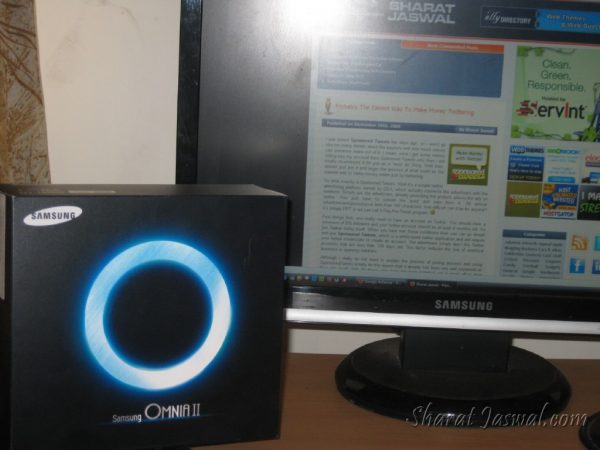
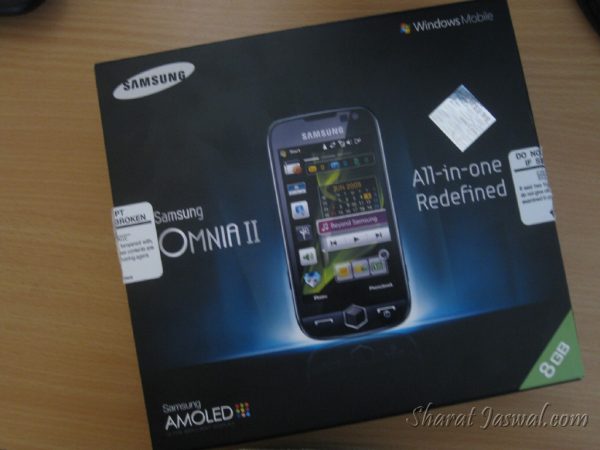
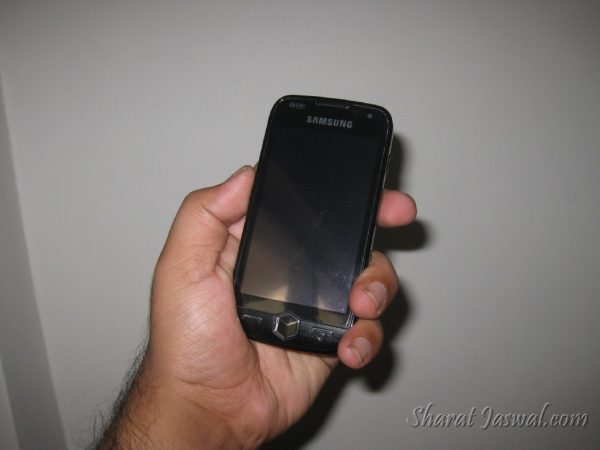
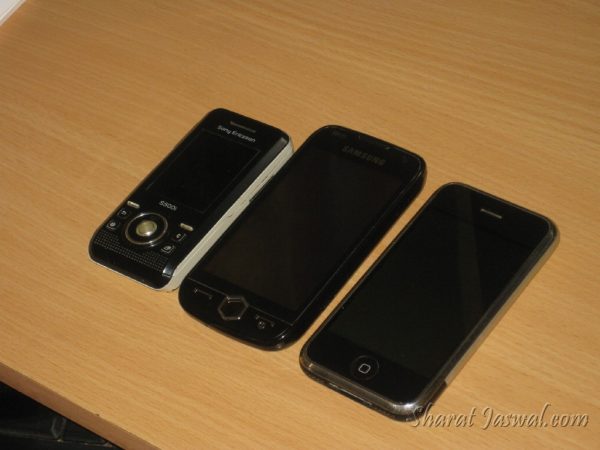
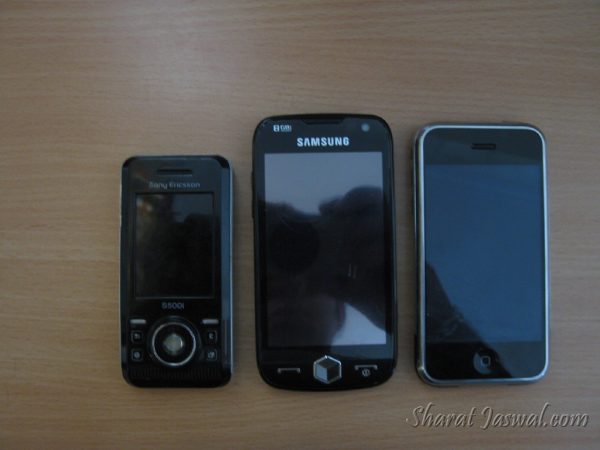
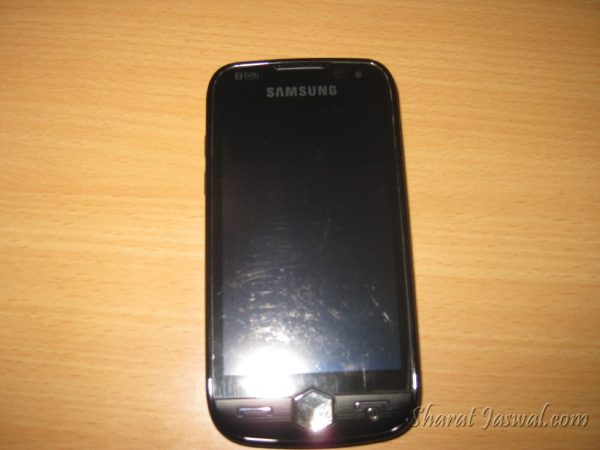
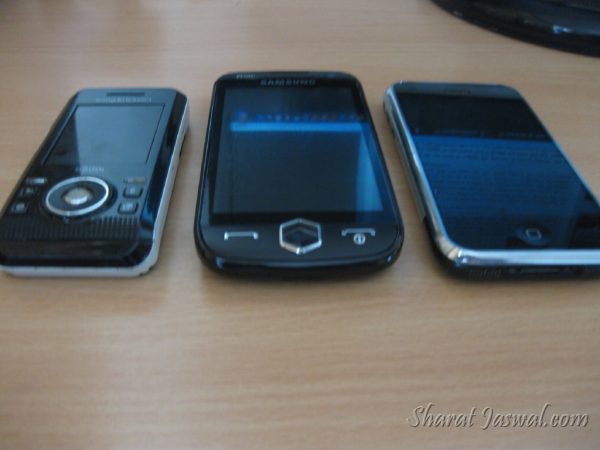
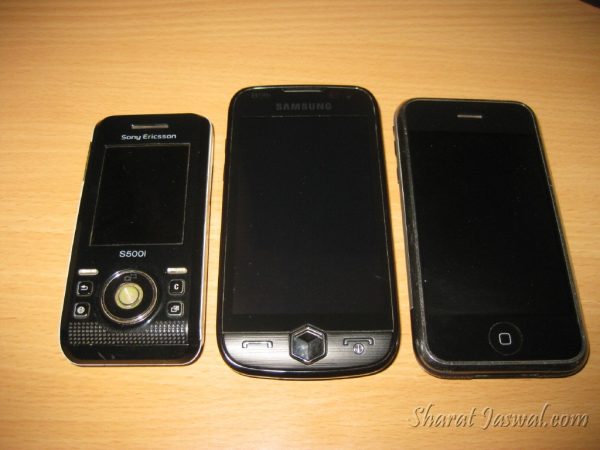
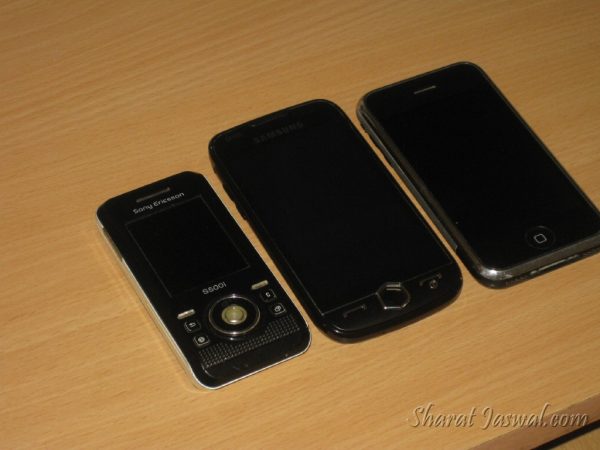
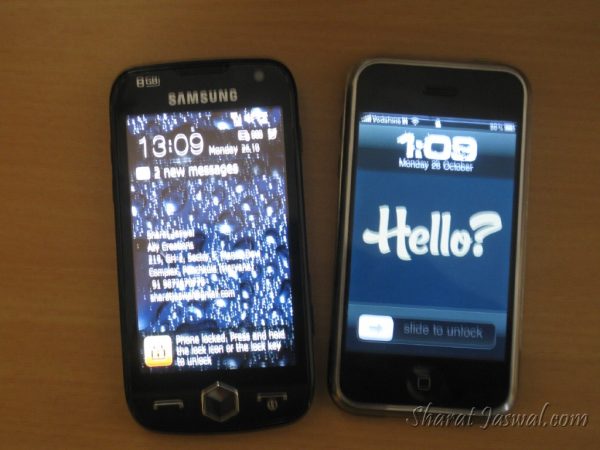
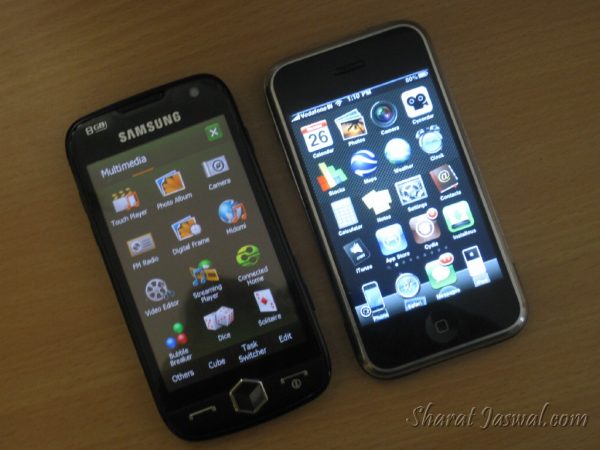
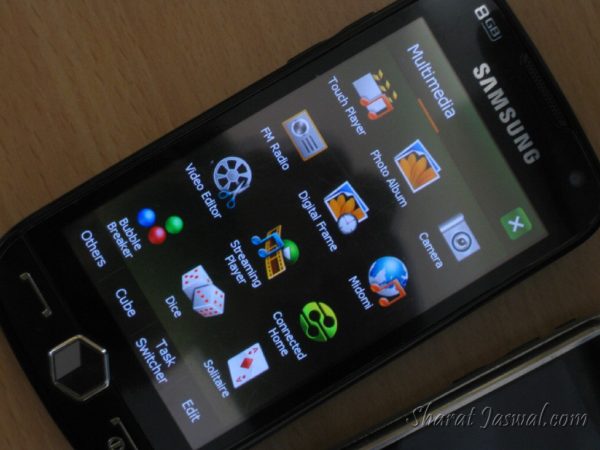
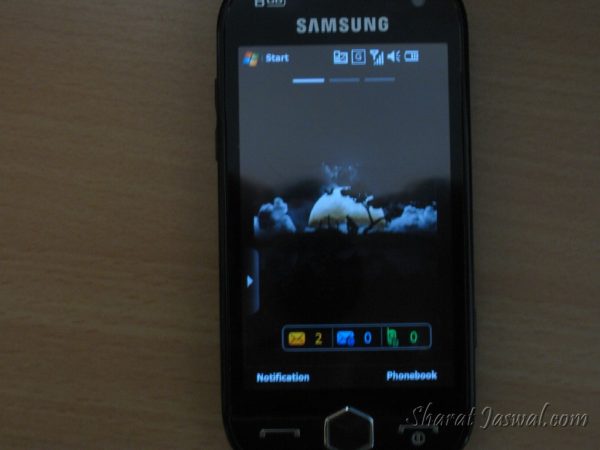
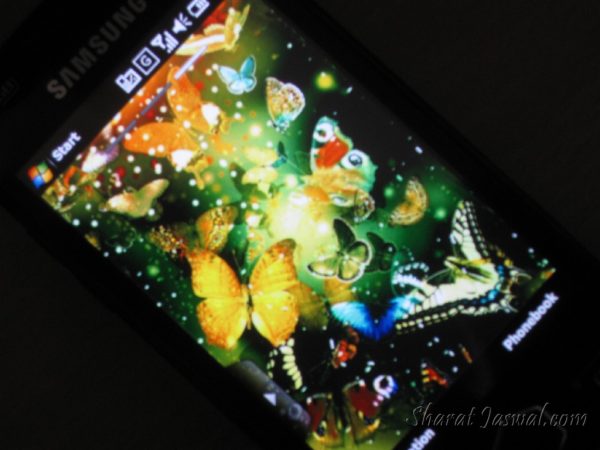
For fun, I lined it up with my Sony Ericsson S500i and the iPhone. It was clear who the boss was—Samsung Omnia II was bigger, brighter, and, honestly, better for someone who loves tinkering with features like I do. Sure, the iPhone had a smoother interface, but Samsung nailed it with sound and visuals.
A Handy Tip for Font Size
One weird quirk: the font size in text messaging was way too big for my liking. After some digging, I figured out how to fix it. Here’s the step-by-step (in case you’re still rocking this phone in 2024, who knows?):
- Go to Settings > General Settings > Samsung TouchWiz UI and disable it.
- Then go to Start > Settings (the second one) and tap System.
- Click Screen > Text Size, adjust it, and you’re good to go.
- Re-enable TouchWiz UI, and the new font size stays.
You’re welcome. ?
Final Thoughts
Looking back, Samsung’s Omnia II was an incredible phone for its time. It wasn’t perfect (what phone is?), but it gave me everything I wanted—stunning visuals, solid performance, and a camera that made me smile. It’s a phone I’ll always remember fondly.
Do you have memories of using the Samsung Omnia II? Or did you go for something else? Share your stories—I’d love to hear them!

Sharat your enthusiasm is infectious and I wish that I was as much into mobile handsets as you are. I am more old fashioned and use my handset only for telephony and sms period. This post will however be of great interest to some of my more hep friends and I am sending them the link so that they can see for themselves the research that you have done.
I will take the enthusiasm comment as a compliment. It’s always good to know that i can help some people with my decisions. Maybe on a later stage, i will direct this enthusiasm in a much better direction.
As for handset research, well this time it’s rather love at first sight. I have had many touch screen enabled handsets in the past, so this was rather an easy choice! 🙂
P.S. Nicole, i really think you should get some profile picture of yours at gravatar. You post lot of comments which i really do appreciate. But your gravatar shows this animated cartoon which really is not very pleasing. Sign up with Gravatar.com and add your email and a nice profile picture. Even if it has to be one of your own pic. Think about it. It would only take two minutes.
The Omnia still looks slow like the current gen of phones (HTC touch HD, diamond 2) What HTC have done with the 1gig processor will be the reason people should wait.
Jim, i really hate HTC Diamond for some reason. I don’t like the shape and the sound is terribly low. As for HTC Touch HD, i love that handset. It has the biggest screen i have seen and the phone is amazingly fast, besides having a great built quality. HTC was always my first choice and believe it or not, that’s the handset i went to shop for in the first place. Only realizing that a new handset is worth 32K INR and there are no second-hand handsets available anywhere in my city. Plus, i have heard that HTC Touch HD2 is already out in global market. Just not yet reached here in India! On the other hand, Samsung Omnia II was for 23K INR. It’s new and pretty fast. So why not!
Moreover, even HTC Touch HD doesn’t have a loud enough sound system. I hope in HD2, i can get as good sound as Samsung provides, not in terms of quality but in terms of volume. I will sell Omnia and get that right away if that does happen!
I am shy! I do not want my real me to float around cyberspace! There are all kinds of villains out there!
No problem Nicole. It’s a personal choice of privacy. I respect your decision. But at least do put up some avatar at Gravatar. Any Daisy Duck, Minnie Mouse, Actress pic will do. It would look much better than the default cartoon!
Your instruction to change font size couldn’t work. There’s no “Samsung TouchWiz UI” option after General Settings. Can’t seem to get any help online. Thanks.
Hello Joo
I spent 2 days myself figuring it out. And now that i have i am sure i can guide it in a better way.
Go to Settings >> General Settings. When you are into General Settings, try to scroll down the list. In the end there is Samsung TouchWiz UI. Click on that and diable it. And then click the Start button, chose the windows settings in the end. Tap the “System” tab in the bottom and click the icon that says “Screen”. In the bottom there is another tab in Screen Menu that says Text size. Rest is your work! 🙂
If you still face the problem then just let me know the windows mobile version of yours!
The Windows Mobile Settings Icon is not available on My Omnia 2 , even when turning TouchWiz off. I have found that changing the registry re-enables the Windows Mobile settings . Warning !- change registry keys at your own risk and back up everything! (I use SKTools)
[HKEY_LOCAL_MACHINE\Security\Shell\StartInfo]
“HideSettings”=dword:00000000
Hi Sharat
Was just googling about this phone and saw your blog, very helpful thanks. can you just tell me where i can buy this phone and for how much? i cant seem to find it anywhere,
Much appreciated thanks.
BW, sorry but i cannot recommend that to my users. Could be trouble for those who do not understand that.
Sachin, Hi!!!! I’m sorry but i really do not know where you are from! Could be much easier locating a dealer that way. If you are Chandigarh based you can get the handset from RajHans in sector-35. He is a friend and a renowned Samsung dealer as well.
I have samsung omnia.
Its agreat phone with all features integrated.
Hi,
I just bought the phone and am not too sure how to use it. People say they are sending me text messages but I am not getting them…any advice?
Hi Christine!
This looks more like the service provider’s query! I would love to help but have no idea what i can say here, Sorry!
Hi, i read your blog and got some useful details.. its very useful..i’ll get back to you if need any help on this handset..tc
Greetings Sharat.
Amazing amount of info above. Intending to buy Samsung Omnia II GT 18000 this saturday. It looks good, feels good, but just a few doubts
1.Christine Says:
December 9th, 2009 At 5:10 PM
Hi, I just bought the phone and am not too sure how to use it. People say they are sending me text messages but I am not getting them…any advice?
2. Jim Sullivan Says:
October 30th, 2009 At 11:41 AM
The Omnia still looks slow like the current gen of phones (HTC touch HD, diamond)
Any truth in these two observations.?
I would really appreciate your input.
Your review with pics and comparisons is awsome.
Gautam Modak.
Hello Gautam,
1. What Christine said was probably a carrier service error or some disturbed setting on the phone. I can’t say much about that.
2. Jim is right. Samsung Omnia II is way slower than HTC Touch HD, HTC Hero, etc.)
This maybe a little discomforting for you, but honestly, i have sold my Samsung Omnia II handset and am currently using HTC Hero and Sony Ericsson Naite. I had enough with Omnia II and the overall experience wasn’t pretty good. I would suggest you to try out HTC Hero or HTC Touch HD 2. I may come up with a review soon for those handsets.
I just created a file called “Screen Settings.lnk” with the text
22#ctlpnl cplmain.cpl,7,0?shellres.dll,-13906
and copied it to
\Windows\Start Menu\Programs
Then you can launch the old settings from your start menu.
I bought Samsung Omnia-II this January. This phone is really awesome.
I am facing a problem with the PC studio. The internet connector is by default disabled. I called on the customer care but didn’t get any proper help. Can u help me out?
Its been a month and i am unable to connect internet through my phone.
Viraj, i am unaware of any such problem. I got rid of Samsung Omnia handset 2-3 months back. So i am really sorry but i have got no clue on how to fix the problem. I did try searching for a possible escape on internet, but i guess no one has an answer for this.
However you can try to connect your phone in mass storage mode or activesync mode instead of PC Studio mode. Maybe that would help. Just a suggestion….
I am using samsung gt 18000 omnia ii. Using internet is very good, but i don`t know that when ever i record any song through radio i got problem in my phone, phone ask me that memory is full. And also how to change the language of phone from arabic to english. Please solve my problem
Hi Imran. I am not using Samsung Omnia II anymore. I got rid of it as it’s increasing ringtone problem was troubling me a lot. Anyways….
Have you tried checking the options and storage options. Probably it’s somewhere there, you just have to select memory card in place of phone memory. As far as i remember whenever i recorded some video or clicked image, it use to ask me where to store the media. As for the language, it should be again there in phone options/settings. Just browse through the options carefully and you will find em. Good luck!
Dear Sir
How can i get Persian font for my Sumsung gt18000 mobile.
Best Regards
Hi Azar,
I am sorry but i do not know much about it now since i got a new BlackBerry Bold 9700.
I am not recommending this software but it seems that this is the best one available for windows 5.0 OS for persian fonts. “http://samsung-gt-i8000l-omnia-ii.handster.com/farsi_language_support_lite_for_windows_mobile_50.html”
Please use at your own risk. I have never used it and am not endorsing it either. Thanks!
BTW, search for Windows OS 5.0 instead of Samsung Omnia II. You will get better results that way. Good luck!
In Hong Kong I purchased the Samsung Ol GT-18000 however it is in Chinese – how can I get it changed over into English (they promised they would do that – not) ; and, also, the instruction manual is in Spanish (they promised it was English)
What can I do or where can I go to get this corrected so I can start using the phone.
Thanks
Hi,
Don’t be get worried, the same problem I had for two times and it has been change into English. Tomorrow i will sent u how to change the language, Because today I didn’t carry my mobile.
Bye, Have nice day.
I got a Samsung Omnia ll from China. It runs on windows mobile OS and the language is Chinese. How can the language be changed to English…
Ann Bhatia and Shadrac. Guys… Where on earth are you getting these phones from? Why do you even didn’t take a peek before buying the phone? Language and every little information is mentioned on the box that the phone comes in….
Anyways, the least i can do here is that i can give the PC Sync in English from where on you can run your setup and see if it works. Go to Samsung Support for GT-I8000. Click on Downloads, then Software and there will be a 7.52 MB PC-Sync file. Just make it work from thereon.
However i think it would be best if you take it to a Samsung service center and get it changed by experts.
It has awesome clearity.